For strength studios and coaches
Log every set. Coach every client.
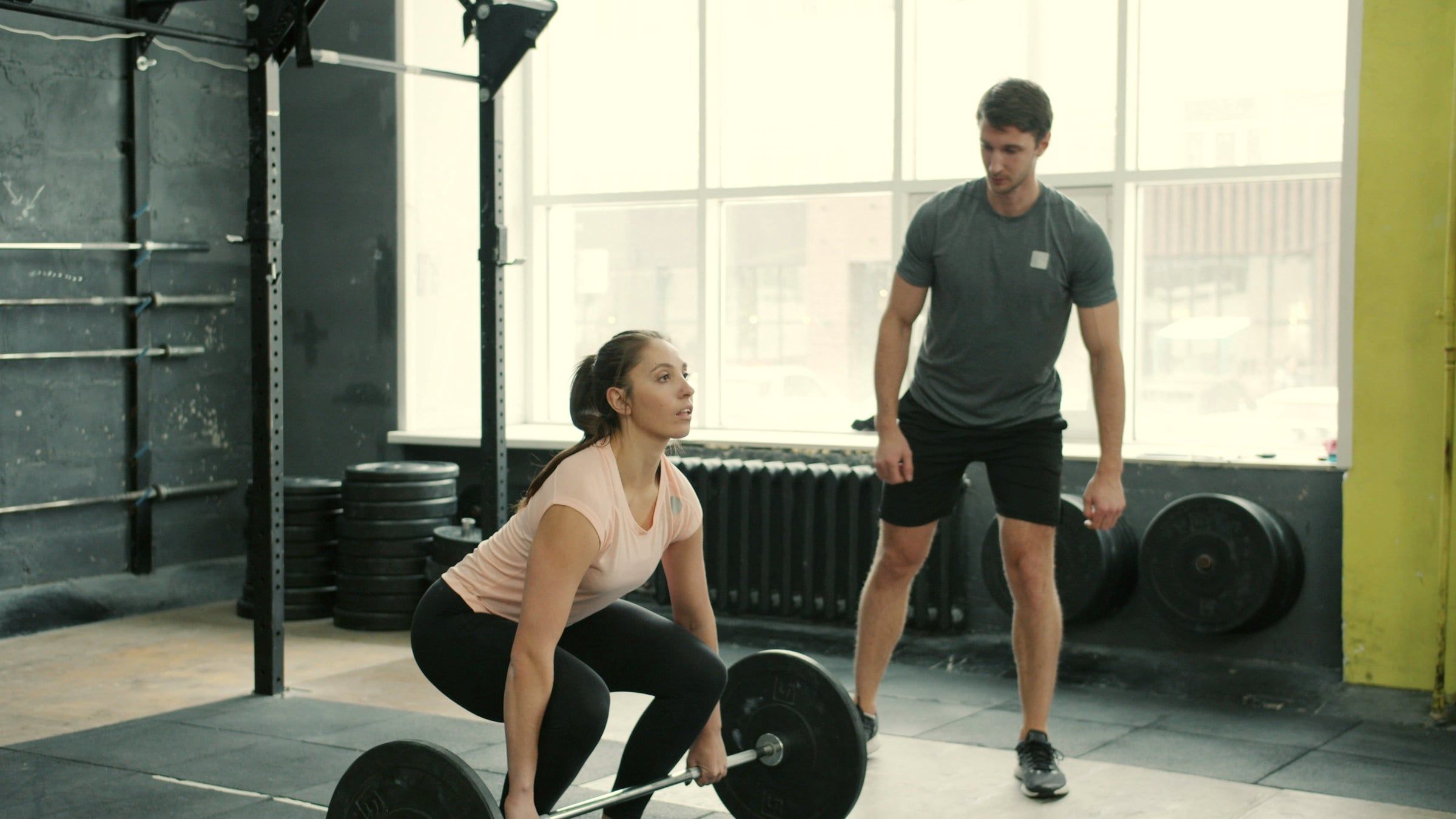
LiftWyze is workout logging and coaching for strength studios. Members log their training under your name and colors, and your coaches see every session.
Your brand, your app
Your studio's app, not ours
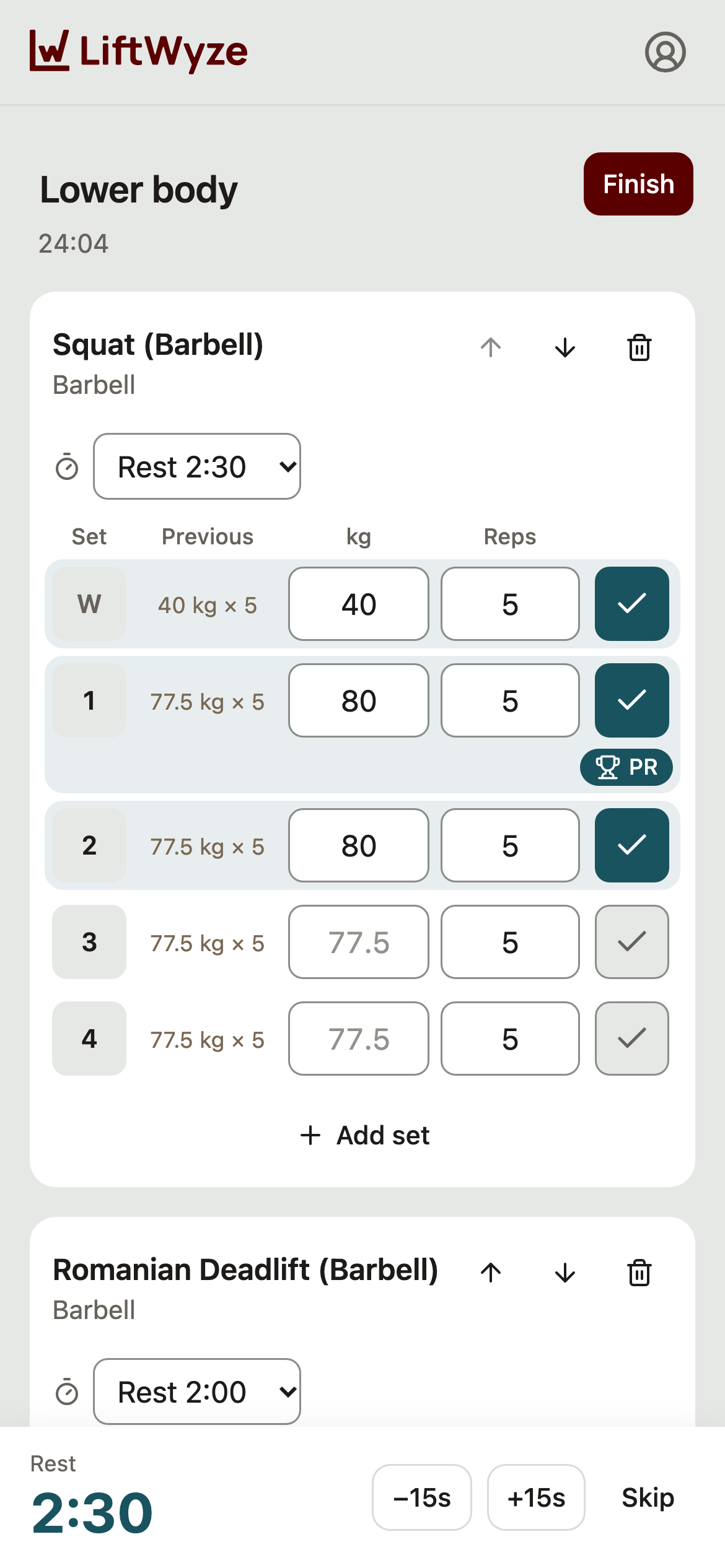
Members open LiftWyze from your studio's link, with your logo and color. Already have a branded app, such as a Mindbody branded app? Add the link, and LiftWyze runs inside it, in the app's own browser.
- 1Copy your embed link from the studio portal.
- 2Add it to your branded app as a web link.
- 3Members sign in with their email and start logging.
Inside your app, LiftWyze hides its own header and follows your app's back button.
For trainers
Coach between sessions
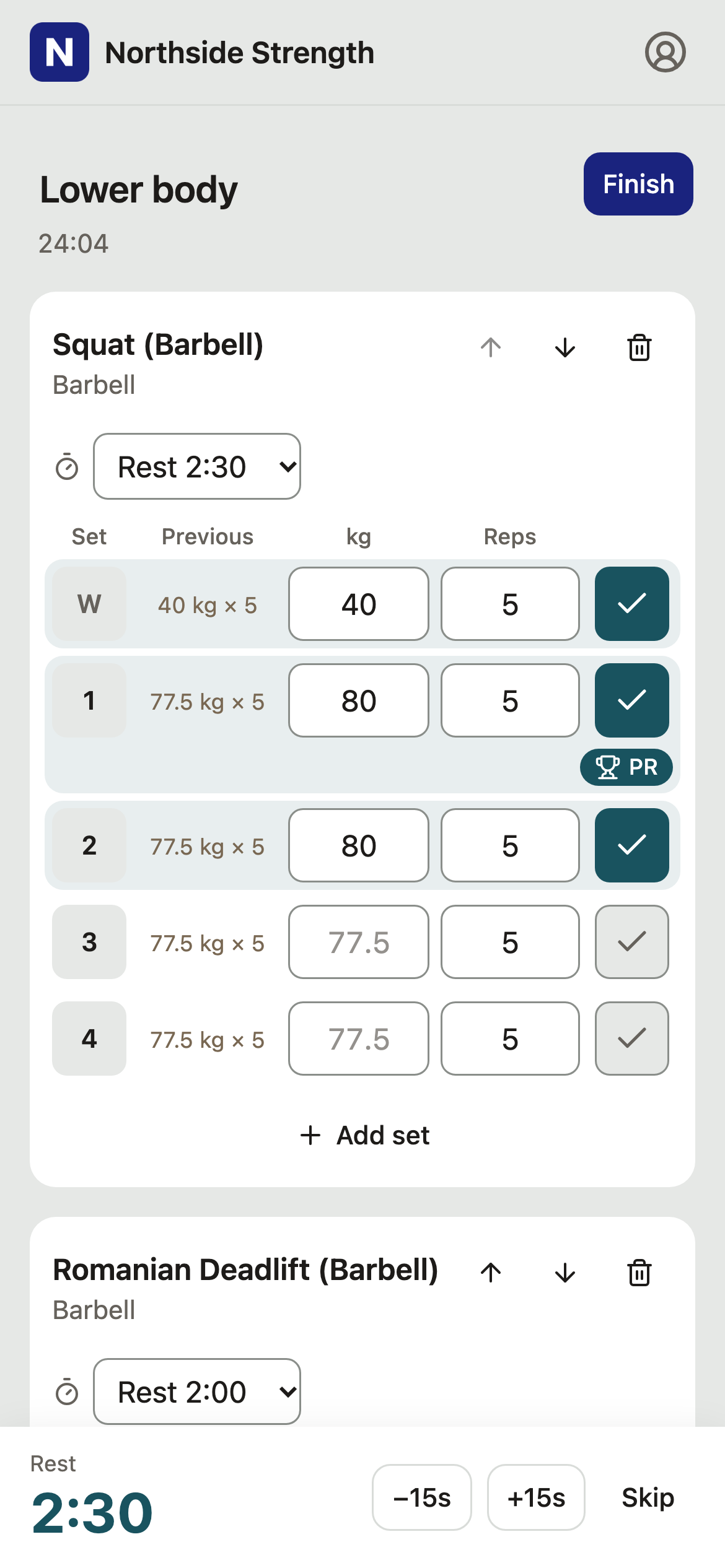
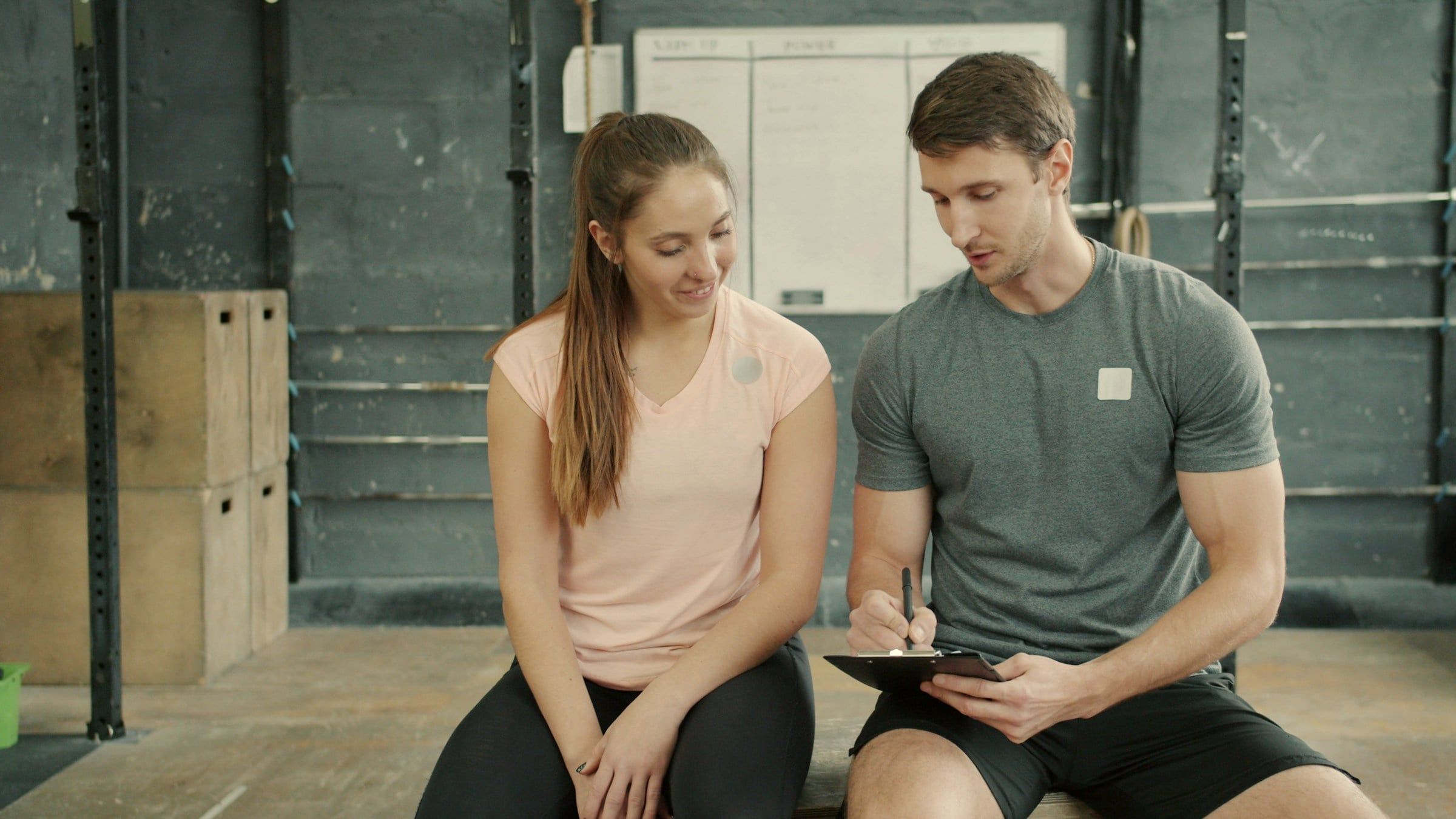
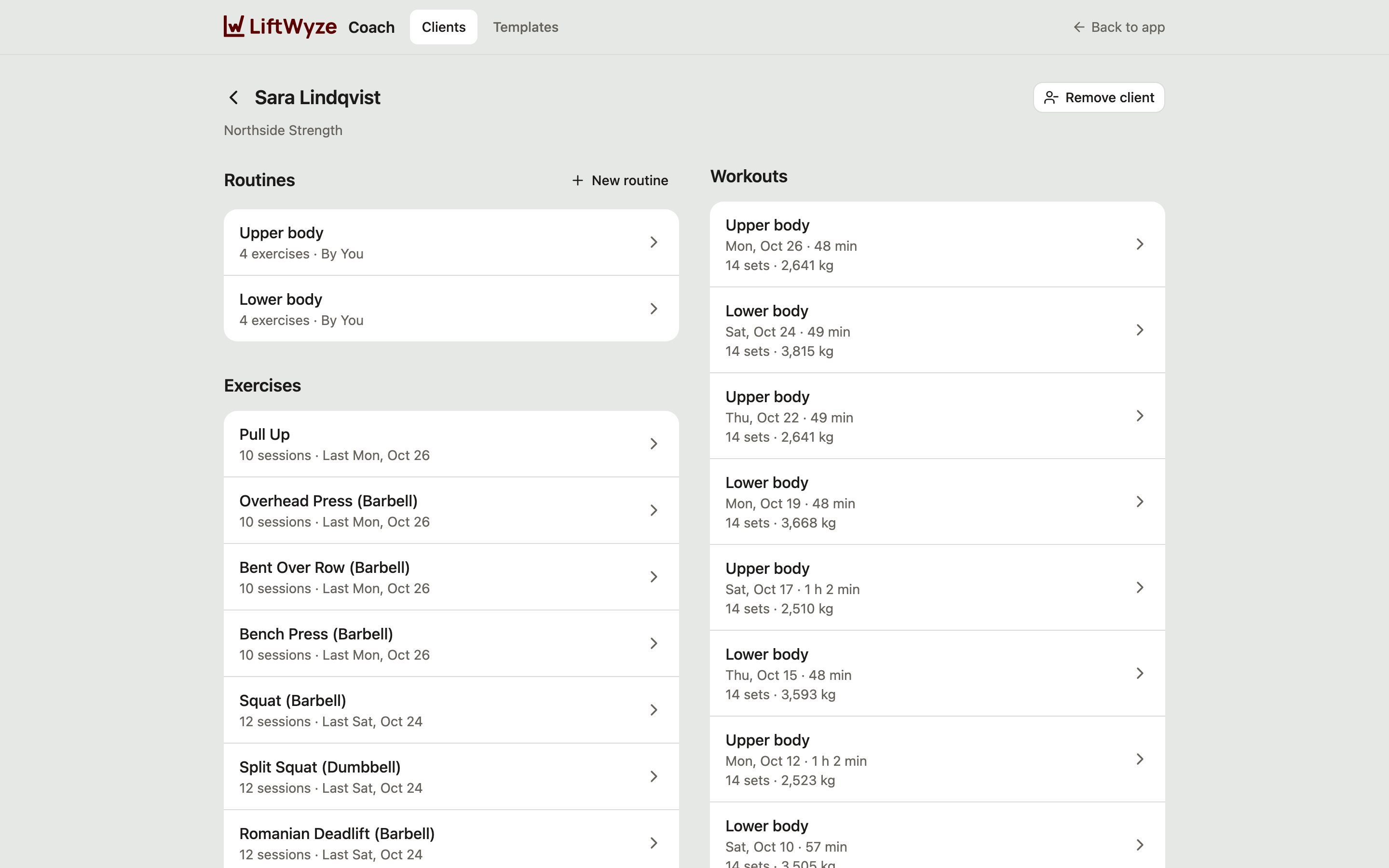
Your clients log their own sets. You see every session in the coach portal, and write what comes next.
Routines for each client
Write a client's routines yourself, exercise by exercise and set by set.
Templates
Save a routine once and assign it to as many clients as you like.
Every session, every PR
See each client's workouts, PRs and progress as they train.
Marked as yours
Clients see the routines you wrote marked as from you.
For studios
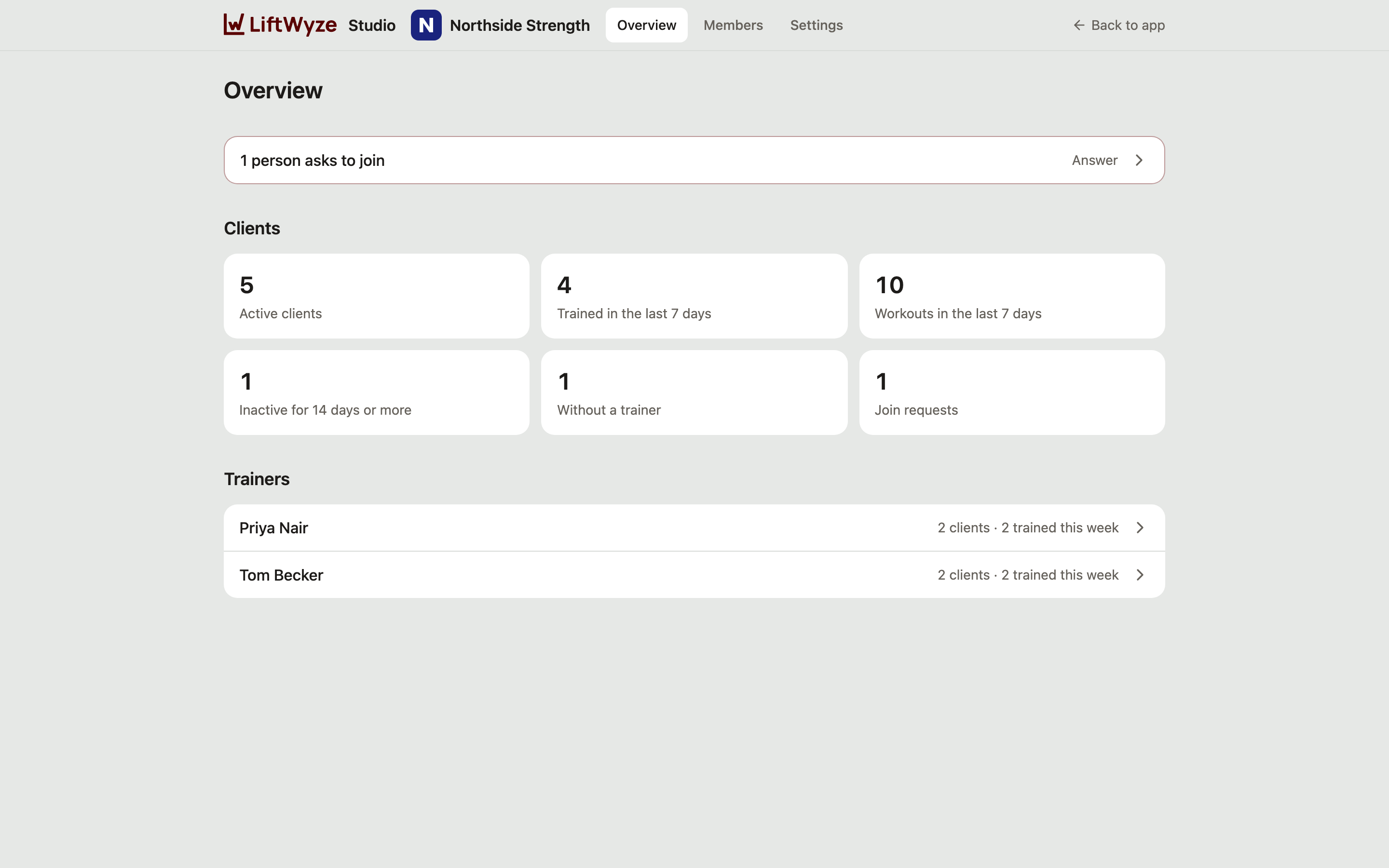
See who's training
The studio portal shows your members, your trainers and the week's training, and runs your studio's settings.
Who's active
Active and inactive members at a glance, with when each one last trained.
This week's training
Workouts in the last 7 days, for the studio and for each trainer.
Members without a trainer
See who has no coach yet, and assign one.
Staff and roles
Add trainers and admins, and change roles as your team changes.
Join requests
Approve new members yourself, or let anyone with the link join.
Your settings
Your logo, color, default units and join policy.
What members get
Built for the set they're on
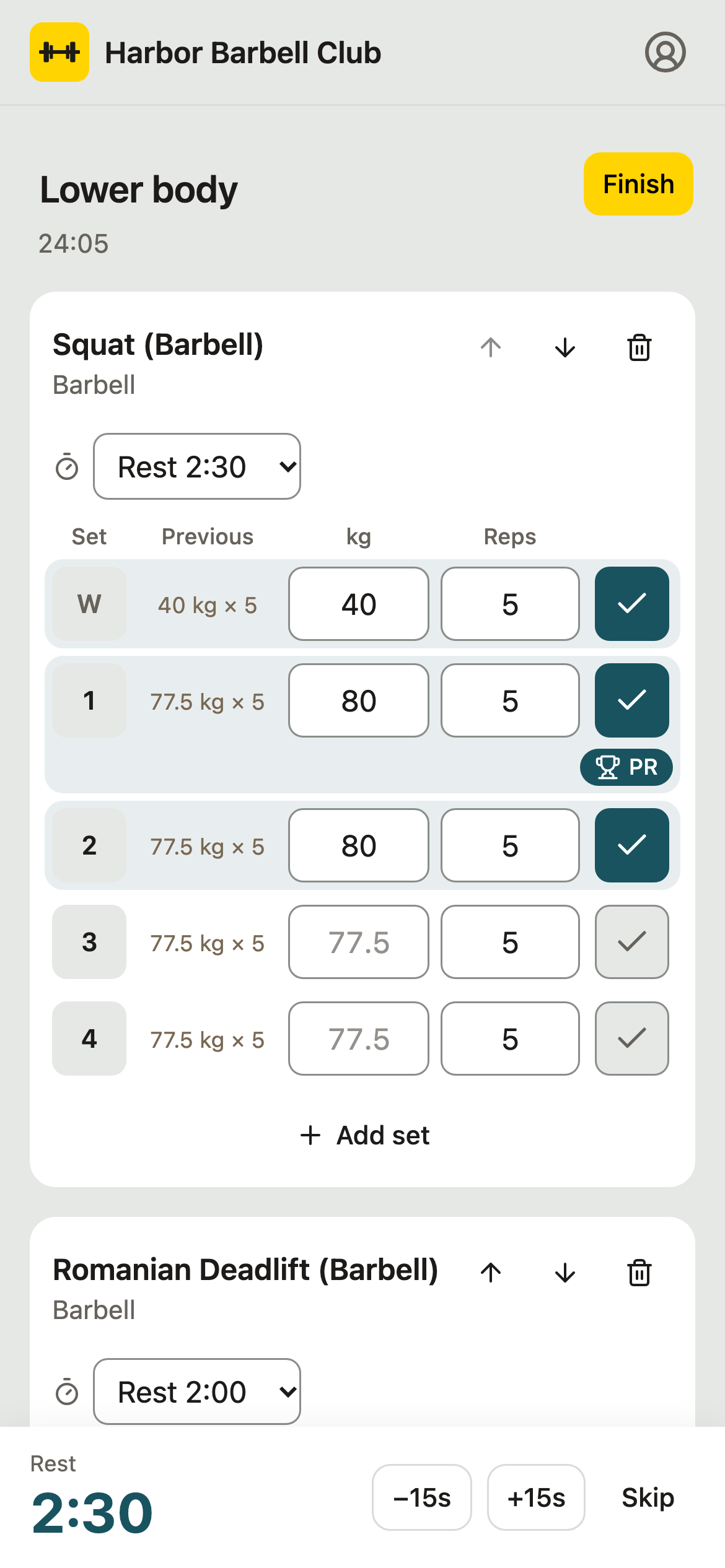
Last time's numbers
Each set shows what they lifted last time, right where they type.
PRs as they lift
A set that beats their best is marked the moment they tick it.
A rest timer that keeps time
It keeps counting when the phone locks.
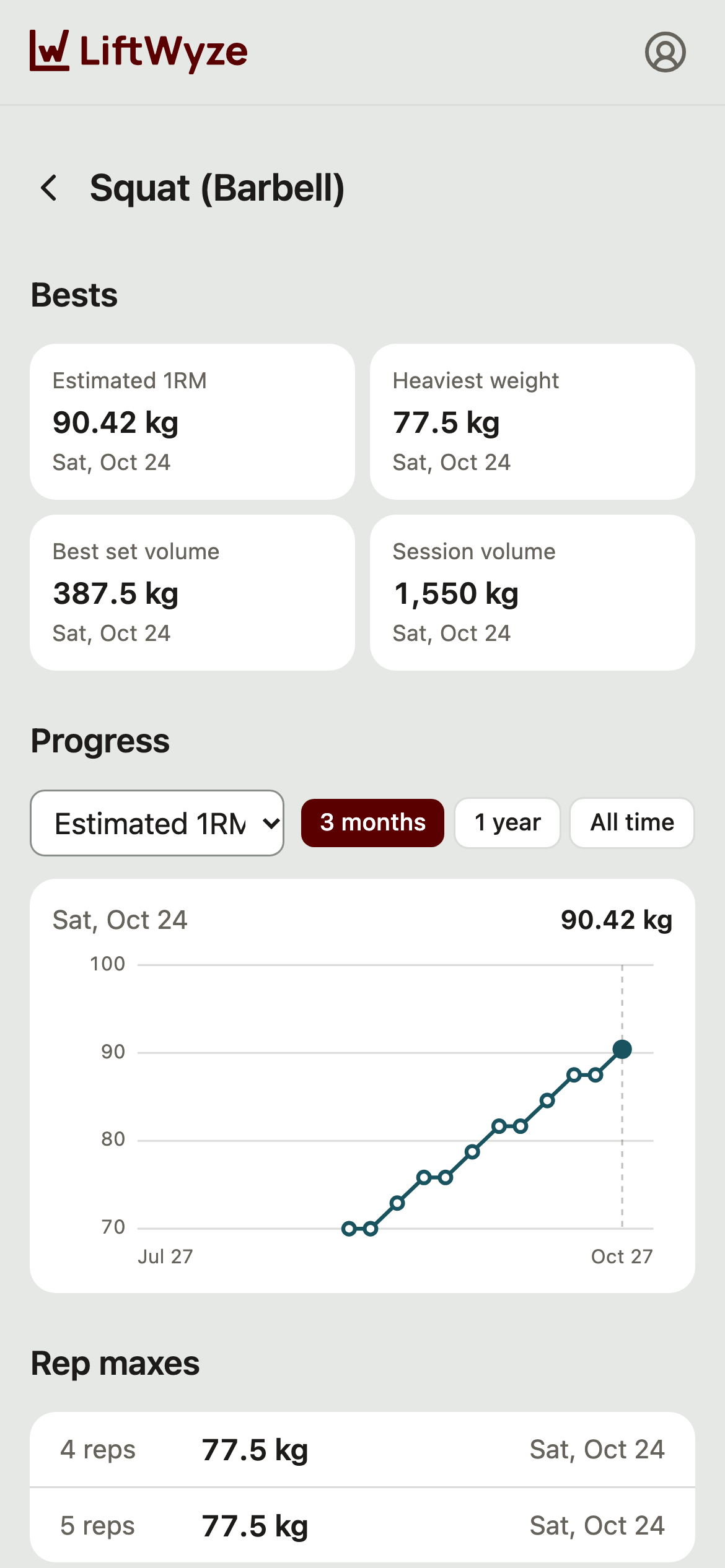
Progress and rep maxes
A chart for every exercise, and their heaviest weight for each number of reps.
No signal needed
Logging works offline and catches up once they are back online.
Kilograms or pounds
kg or lb, whichever they train in.
Free for your members.
Members stay in control
Members agree before your studio sees their training. Their account is theirs, and when a membership ends, so does your access.
See LiftWyze with your studio's brand
Write to us, and we'll walk you through the member app, the coach portal and the studio portal.